Using CometMarks with Firefox and CometBird
Bookmark Overwriting
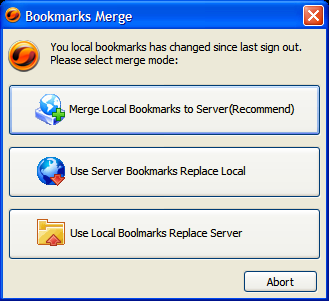
For the first time you login, CometMarks will ask you to select the merger mode.
Exiting CometMarks
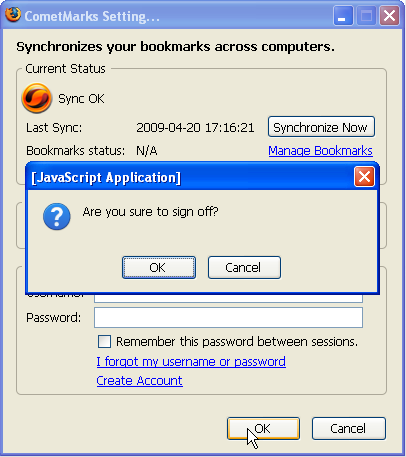
If you want to inactivate CometMarks temporarily, double-click the icon at the right bottom of your browser, delete your username and password in the setting panel, then click "OK". CometMarks will be inactive until the next time you log in.
Managing Bookmarks
There are 2 ways to manage bookmarks:
-
1)* Manage Bookmarks online.
-
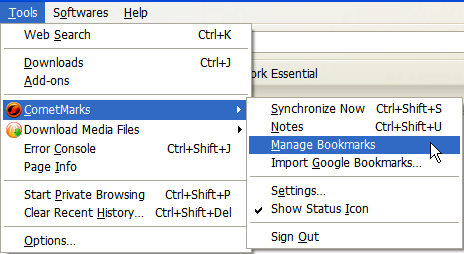
Click "Tools" in menu bar of your Firefox or CometBird browser, select CometMarks --> Manage Bookmarks. Then you'll be directed to My CometMarks page, you'll be able to manage your bookmarks after login.\
-
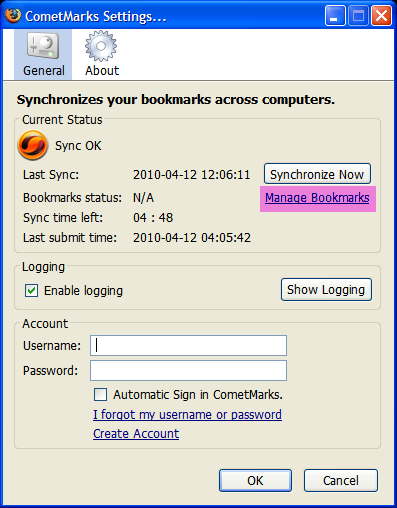
Double-click the icon of CometMarks at the right bottom of you browser, then click "Manage Bookmarks" (the highlighted area in image below) in the pop-up window:\
-
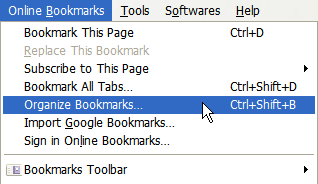
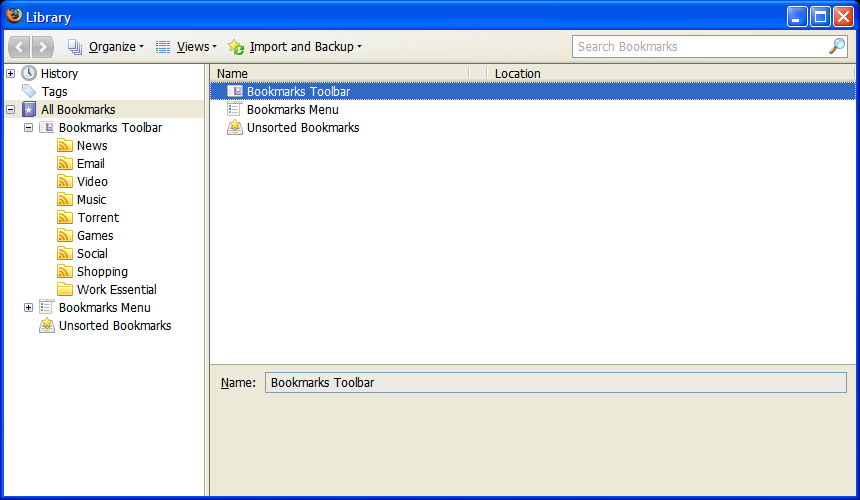
2)* Click "Bookmarks" in menu bar of your Firefox or CometBird browser, and select "Organize Bookmarks"; a bookmark library window will appear as the image below, you can then manage your bookmarks there.